WooCommerce products, variations built properly.
We turn supplier files into WooCommerce products with working variations, global attributes and tidy categories. You review on staging or as drafts, then we publish.
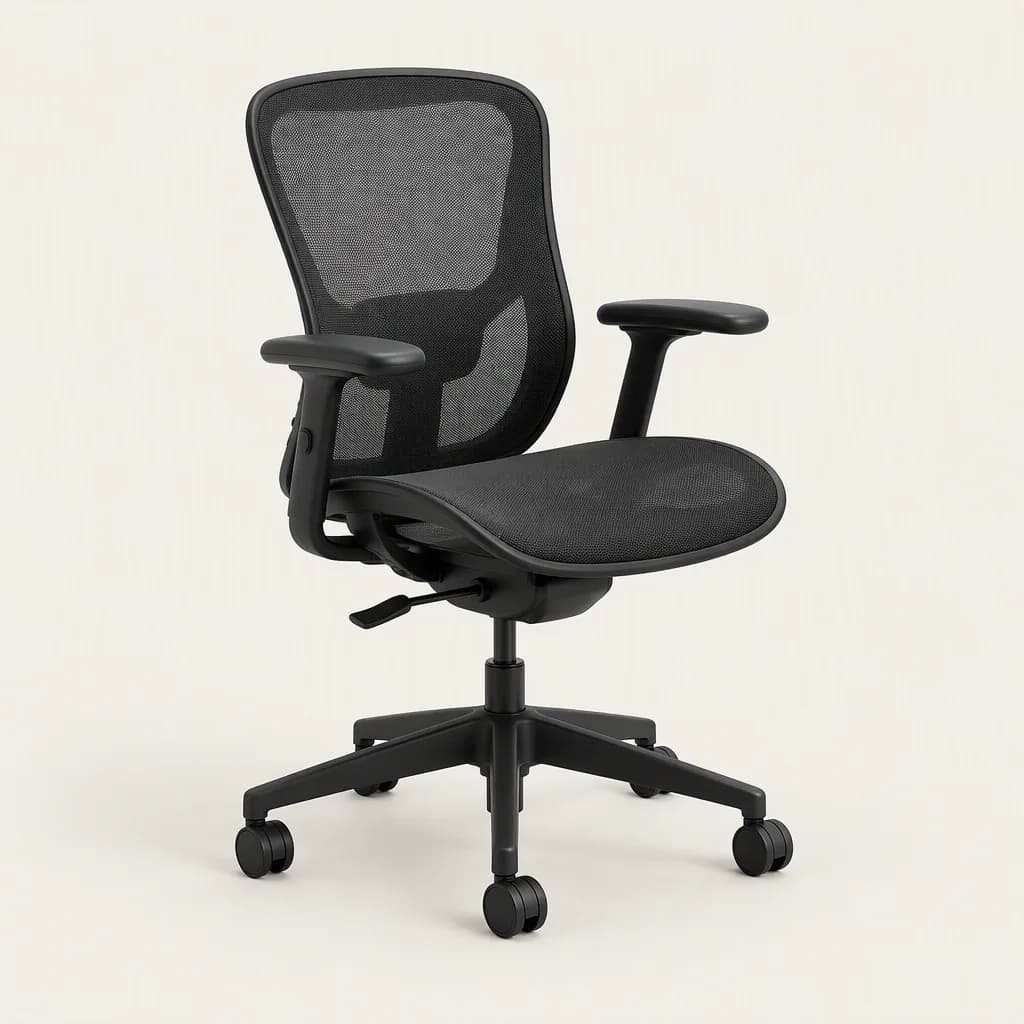
OFFICE › CHAIRS › ERGONOMIC
Premium Black Ergonomic Office Chair
- Description and specs written
- 3 colour variants
- SEO title and handle
- Image matched by SKU
- STARTS FROM
- $249 · up to 250 products
- DELIVERY
- From 48 hours*
- PLATFORMS
- WooCommerce on any WordPress host
- ACCESS
- Limited admin or shop manager user
- Shopify
- WooCommerce
- Magento
- BigCommerce
- Amazon
- Wix & custom
WooCommerce gives you plenty of freedom, which is exactly why catalog imports go wrong. Attributes, variations and categories can each be modelled three ways, and a file that imports without error can still produce a store that filters badly. We build the data to match how WooCommerce actually behaves.
What you get
- Simple, variable, grouped and external products created with correct types
- Variations with their own SKU, price, sale price, stock and image
- Attributes set up consistently, global where you want filtering and custom where you do not
- Category hierarchy built once and assigned correctly, plus tags
- Short and long descriptions written or cleaned to a consistent format
- Images matched by SKU or filename, with alt text and a designated gallery order
- SEO title and meta fields prepared for Yoast, Rank Math or your SEO plugin where you use one
- Tax class, shipping class, weight and dimensions set where your data has them, so shipping and tax rules apply correctly
- A QA report of everything changed or flagged
How it works
- You send your files and tell us the store URL and any plugins in play.
- We inspect the data and send a fixed quote, with a free 10-product sample if it is a fit.
- Our AI engine does the mapping and writing at volume. A person reviews every output.
- We import as drafts, ideally on staging, through a user you create for us. You review.
- After your approval we publish, and give you the import files for your records.
WooCommerce details we plan around
Variable products
A variable product is a parent row plus one row per variation. In the native CSV, the parent has the type variable and each variation has the type variation with the parent's SKU in the Parent column. Variations only work when the parent declares the attributes with the "used for variations" flag. If the parent is missing, the variation rows import as orphans or fail.
Global versus custom attributes
Global attributes (Products, Attributes) create taxonomies such as pa_colour, which power layered navigation and filters. Custom attributes are local to a single product. In the CSV, the Attribute 1 global column controls this. We choose global for anything a shopper would filter on, and keep a controlled list of values so you do not end up with "Navy", "navy" and "Navy Blue" as three filter options.
Categories
Categories in the import file are written as a path separated by >, with several categories separated by commas. A typo in one level creates a new, duplicate branch. We agree the tree with you first, then validate every row against it.
Native importer or WP All Import
The native importer is free, built in and enough for most catalogs. WP All Import is a paid third-party plugin, useful for custom fields, recurring supplier feeds and conditional logic. We pick the lighter tool that fits and say so in the quote.
Hosting limits
Shared hosts commonly cap file upload size, PHP memory and script run time. Large imports hit those limits and stop partway. We chunk files to fit, and for catalogs with many images we load images from URLs in batches, so one slow image does not stall the run.
Backups and existing products
Before any production import we ask for a fresh backup, from your host or a backup plugin, so there is a clean way back. If the store already holds products, we match on SKU to update them rather than duplicate them, and we tell you which rows will create new products and which will change existing ones before we run anything. Messy existing data can be fixed first through catalog cleanup.
Pricing
Starting prices for catalog listing, per project. The fixed quote follows once we have seen your files. Full details are on /pricing.
| Plan | India | US | UK | Australia |
|---|---|---|---|---|
| Starter, up to 250 products | ₹6,999 | $249 | £199 | A$379 |
| Growth, up to 500 | ₹9,999 | $449 | £359 | A$679 |
| Catalog Launch, up to 1,000 | ₹14,999 | $699 | £559 | A$1,049 |
| 1,000+ products | Custom quote | Custom quote | Custom quote | Custom quote |
Turnaround is from 48 hours for eligible projects; turnaround depends on scope, catalog complexity and the quality of the data and access we receive.
Is this a fit?
It suits stores with variable products, many attributes or a supplier file that does not match the WooCommerce template. It also suits anyone who has had an import stop at row 400 and does not want to debug PHP limits.
If you have a small, clean catalog of simple products, the native importer is quick and free. Our WooCommerce CSV import guide walks through it. If you plan to leave WooCommerce, see WooCommerce to Shopify migration.
Ask for the free 10-product sample or request a fixed quote. More on the wider service at bulk product upload.
*For eligible projects. Turnaround depends on scope, catalog complexity and the quality of the data and access we receive.
Related services and guides
Specialist pages and practical guides for this work.
SPECIALIST SERVICES
- BigCommerce product upload, without the option-set mess
- Magento product upload, attribute sets and all
- Shopify product upload, done for you
- Shopify SEO, fixed inside the catalog
- Wix Stores products, loaded and checked
- Auto parts catalogs, with fitment that holds up
- Beauty catalogs, every shade and ingredient in place
- Catalog services for D2C brands
- Ecommerce product listing, one catalog, every channel
- Electronics catalogs with specs buyers can compare
- Fashion catalogs, every size and colour right
- Furniture catalogs with every dimension and finish
- How to choose an ecommerce listing agency
- How to choose a Shopify management provider
- Jewellery catalogs, metal, stone and size mapped
- Product data entry for UK stores
- Product data entry for US stores
- Product data entry, without the double-keying
GUIDES
- PRODUCT UPLOADBigCommerce bulk product import: the CSV template, variants, images and common errors
- PRODUCT UPLOADFashion catalog upload: variants, size charts, colour swatches and the data that cuts returns
- COSTS & OUTSOURCINGHow to hire a Shopify expert: who does what, how they charge and what to ask
- PRODUCT UPLOADHow to set up a Shopify store: a step-by-step launch checklist
- PRODUCT UPLOADMagento 2 and Adobe Commerce product import: CSV format, configurables and validation errors
- COSTS & OUTSOURCINGOutsourcing product upload: in-house, freelancers, apps or a service?
SEND US
10 PRODUCTS.
See what your catalog can look like before you commit to anything.
Free if your project is a fit.





Questions we get asked.
Something not covered here? Tell us about your catalog and we'll answer directly.
Catalog listing starts at $249 for up to 250 products, $449 for up to 500 and $699 for up to 1,000, with custom quotes beyond that. We quote a fixed price after inspecting your files, and before any work starts.
It depends on the job. The native importer handles most catalogs, including variable products. If you need field mapping to custom meta, scheduled imports or complex transformations and already own WP All Import, we can work with it. We do not make you buy a plugin.
Yes, and we prefer it for larger catalogs. We import to staging, you check a sample and the full set, then we repeat the import on production or migrate the staging database, whichever your host supports.
We split the import into smaller files sized to your host's upload and execution limits, so no single run fails halfway. If limits are very low, we may suggest a temporary increase from your host. We do not change your server settings ourselves.
No. You create a separate user for us with only the permissions the job needs, and you can delete it afterwards. We never ask for or store your own login.
From 48 hours for eligible projects; turnaround depends on scope, catalog complexity and the quality of the data and access we receive. Variable products with many attributes take longer than simple ones.
Yes. We match on SKU, change only the fields you name and keep a before and after file. We take or ask for a backup first. For recurring supplier updates, ask about Monthly Catalog Ops, which covers regular refreshes.
Yes. Your files are used only for your project and never to train third-party models. We work through a limited user you create, and we do not need customer or order data to upload products.
SEND THE CATALOG.
WE'LL TAKE IT FROM HERE.
Tell us what you have, where it needs to go, and how many products you're working with.